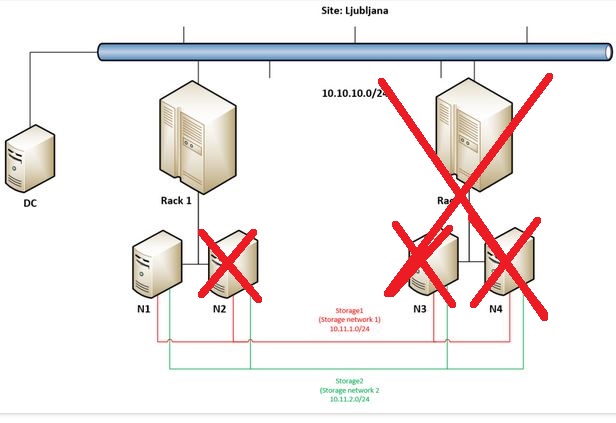
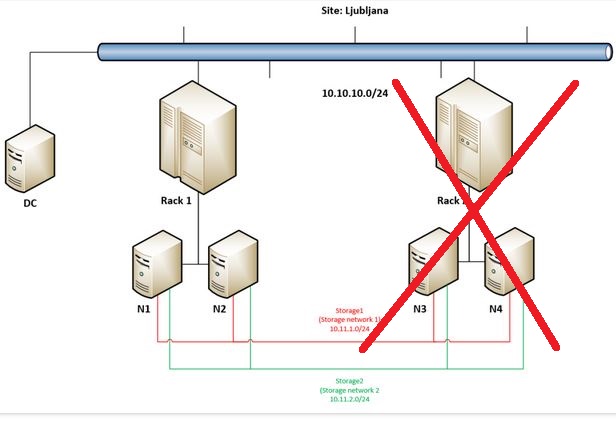
Again – probability of such scenario is in my opinion minimal but I just wanted to push our Campus Cluster to it’s limits – in previous post we have ended with this state:
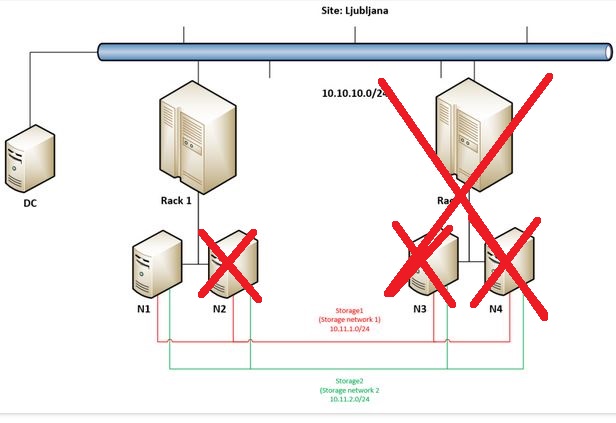
When N2 went offline cluster immediately stopped working as there were not enough votes. In such case administrator has the option to make it run forcefully by “forcing quorum” and force start cluster service.
But let’s get back to the main idea why going into Campus Cluster scenario – to really have the option to built a very robust / resilient storage solution. This demo will demonstrate this robustness so we are going on by forcing remaining node in Rack 1 (N1) to start storage and VMs.
At the beginning of the video I am firing up Powershell on N1 as I need a cmdlet that will allow me to bring things online again:
Start-ClusterNode -Name N1 -FixQuorum
In couple of seconds we should get the information that node is in joining state.
I am turning on Failover Cluster Manager and on the left side in Actions you can see Start Cluster (I am trying that first 🙂 ) and Force Cluster Start – that will run with “ForceQuorum” option. We are getting many warnings at this point but it is a normal behavior in such state.
At 4:26 we can already see some Roles showing up, at 4:42 I am trying to turn off the machines that are in Paused-Critical in Hyper-V console … I made a mistake here – I forgot to move to Storage / Disks in Failover Cluster Manager where I should try to bring Cluster Shared Volumes online – when I did this (at 5:35).
While waiting for Virtual Machine Connection to connect to now running two VMs (those that were running on FourCopy Volumes I am jumping into Window Admin Center which is now showing data again – we can observe (at 8:29) that we have only 8 disks alive (of 32).
At (8:56) we can see that both VMs are online – we are also able to log into them so the operating system works.
So we can see that Campus Cluster can be extremely redundant, resilient, robust in terms of protecting your data – and YES – you can get into running VMs even by forcing last remaining node to run cluster.
But and and just because we were already here…
At 10:21 I am showing that 8 disks are available in N1 (via Failover Cluster Manager / Storage / Pools) and at the end of this demo I am removing another disks from N1 – by doing so I am making everything going into paused state – CSVs are offline, VMs stop responding … But this part was made just for fun as you just can not get that unlucky. 🙂 Hope you have a backup because that is the only way get your data back from such disaster …

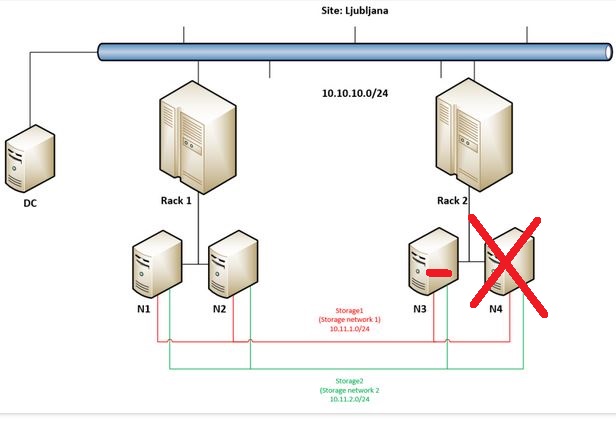
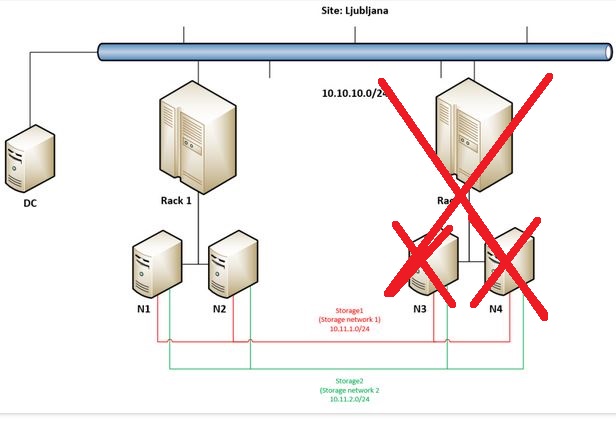
 Luka Manojlovic